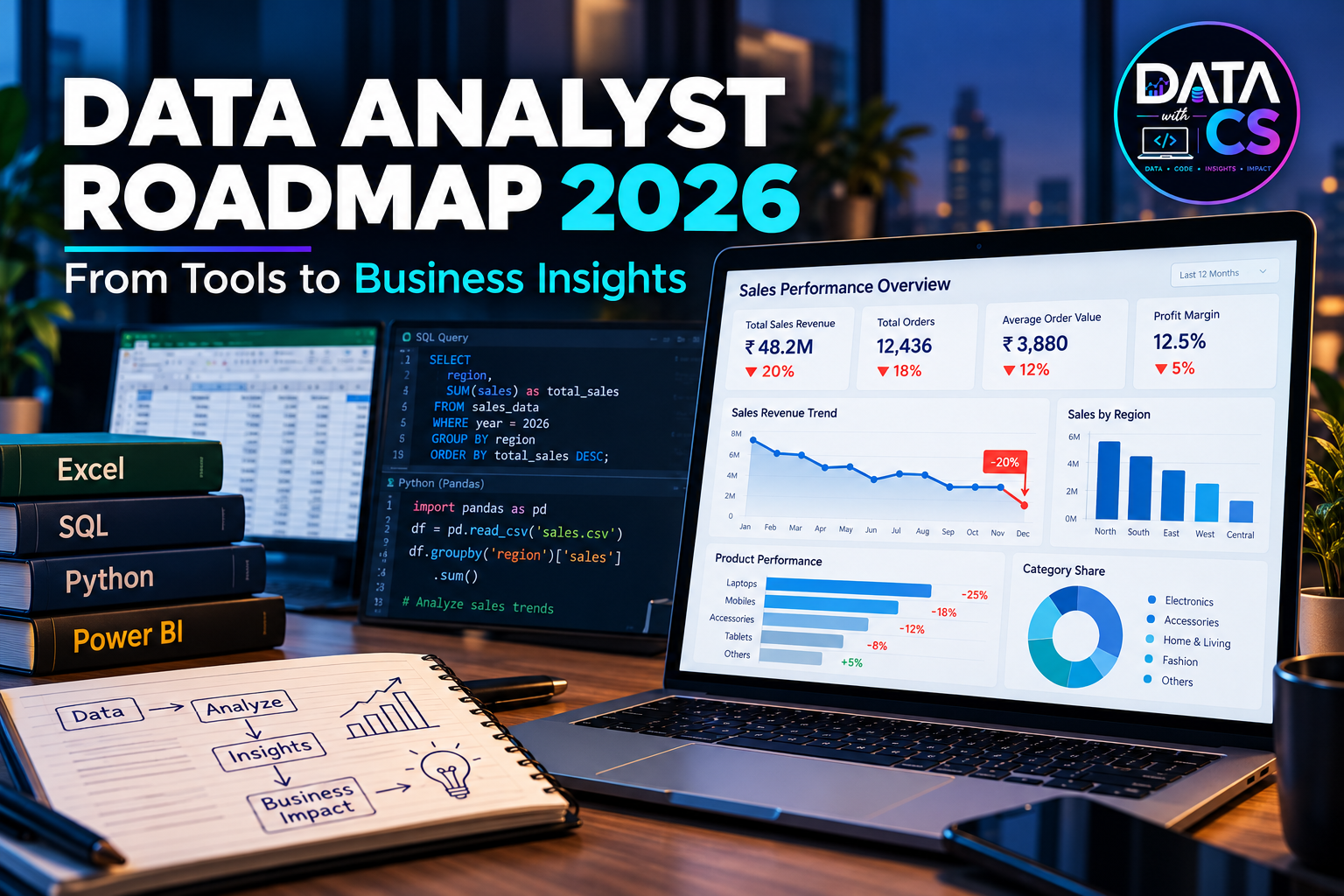
Data Analyst Roadmap 2026: From Learning Tools to Solving Real-World Business Problems
You have learned Excel, SQL, Python, and Power BI. You can write SQL queries, clean datasets, perform analysis, and build interactive dashboards.
But when you attend a Data Analyst interview, you still struggle to explain your approach to a business problem.
Sound familiar?
You are not alone. Many aspiring Data Analysts spend months learning tools but find it difficult to translate their technical knowledge into meaningful business insights.
The reason? Knowing how to use a tool is different from knowing how to solve a business problem with data.
In this guide, we will explore a practical Data Analyst roadmap for 2026, including the right learning sequence, essential skills, real-world project ideas, and ways to prepare for interviews.
1. Why Learning Excel, SQL, Python, and Power BI Is Not Enough
Imagine that you join a company as a Data Analyst. One Monday morning, your manager tells you:
"Our sales have suddenly dropped by 20%. Can you find out why?"
You have Excel, SQL, Python, and Power BI skills. You can build a dashboard showing the sales decline. But your manager is not just looking for a chart.
They want answers to questions such as:
- Which products experienced the biggest decline?
- Did sales drop in a particular region or customer segment?
- Did the number of orders decrease, or did the average order value fall?
- Did marketing spend, pricing, inventory, or customer behaviour change?
- What actions can the business take to improve sales?
This is where analytical thinking becomes important.
A strong Data Analyst does more than report what happened. They investigate why it happened, identify patterns, validate possible explanations, and recommend actions supported by data.
The goal is not just to create dashboards. The goal is to help businesses make better decisions.
2. The Complete Data Analyst Roadmap for 2026
If you are starting your Data Analyst journey or preparing for interviews, follow this structured learning sequence.
Step 1: Excel — Build Your Data Analysis Foundation
Excel is a practical starting point for understanding datasets, cleaning data, calculating metrics, and summarising information.
Focus on learning:
- Essential formulas and functions: IF, SUMIFS, COUNTIFS, XLOOKUP, and INDEX-MATCH
- Sorting, filtering, and data cleaning
- PivotTables and PivotCharts
- Conditional formatting
- Basic descriptive statistics
- Power Query for data transformation
- KPI reporting and business-oriented analysis
Practice project: Analyse monthly sales data to identify top-performing products, regional performance, revenue trends, and low-performing categories.
Your objective should be to explain what the numbers mean, not simply calculate them.
Step 2: SQL — Learn to Retrieve and Analyse Data
SQL is one of the most important skills for Data Analyst roles because business data is frequently stored in relational databases.
Focus on:
- SELECT, WHERE, ORDER BY, and DISTINCT
- GROUP BY and aggregate functions
- INNER JOIN, LEFT JOIN, and other common joins
- CASE WHEN statements
- Subqueries and Common Table Expressions (CTEs)
- Window functions such as ROW_NUMBER, RANK, and LAG
- Date functions and handling NULL values
- Data aggregation and business metrics
Practice project: Analyse an e-commerce database to identify monthly revenue, repeat customers, best-selling products, and customer retention patterns.
For interview preparation, practise writing queries that answer actual business questions. For example, determine which customers have not placed an order in the last 90 days.
Step 3: Power BI — Turn Data into Business Insights
Power BI helps transform raw data into interactive reports and dashboards that support business decisions.
Focus on:
- Connecting to data sources
- Power Query and data transformation
- Data modelling and relationships
- Star schema fundamentals
- DAX measures and calculated columns
- KPI cards, charts, filters, and slicers
- Dashboard design and data storytelling
- Performance and usability basics
Practice project: Build a sales performance dashboard showing revenue, profit, regional performance, product trends, and month-over-month changes.
Do not stop at displaying KPIs. Identify an important trend and explain what the business should investigate next.
Step 4: Python — Expand Your Analytical Capabilities
Python becomes particularly useful when datasets are larger, repetitive tasks need automation, or analysis requires more flexibility.
Focus on:
- Python fundamentals, including variables, loops, functions, and data structures
- Pandas for data manipulation
- NumPy for numerical operations
- Matplotlib or Seaborn for visualisation
- Missing-value handling and data cleaning
- Exploratory Data Analysis (EDA)
- Basic statistics and hypothesis testing
- Jupyter Notebook workflows
Practice project: Analyse customer transaction data to investigate purchasing behaviour, detect unusual patterns, and identify factors associated with declining sales.
You do not need to learn every Python library at the beginning. Prioritise the skills that help you answer analytical questions.
Step 5: Develop Business and Analytical Thinking
This is the skill that connects your technical knowledge to business value.
Learn to:
- Translate a vague business question into specific analytical questions
- Define KPIs and success metrics
- Form hypotheses before analysing data
- Segment customers, products, and regions
- Distinguish correlation from causation
- Validate findings before drawing conclusions
- Communicate insights clearly to non-technical stakeholders
- Recommend practical, data-supported actions
Practice exercise: A company's monthly revenue has declined by 20%.
Instead of immediately building a dashboard, investigate the problem systematically:
- Validate the decline against historical data.
- Break revenue into relevant components, such as order volume and average order value.
- Segment results by product, region, channel, and customer type.
- Investigate the most significant changes.
- Validate potential explanations using additional data.
- Present findings and recommend next steps.
This is how you move from reporting numbers to solving business problems.
3. Real-World Projects Every Aspiring Data Analyst Should Build
Projects help demonstrate how you apply your skills. Instead of creating several disconnected dashboards, build projects around realistic business scenarios.
Project 1: Sales Performance and Revenue Analysis
Business problem: Why is revenue declining, and which segments contribute most to the decline?
Skills: Excel, SQL, Power BI.
Deliverables:
- Cleaned and analysed sales dataset
- Revenue and profitability KPIs
- Product and regional performance analysis
- Interactive dashboard
- Written recommendations for the business
Project 2: Customer Retention Analysis
Business problem: Why are customers not returning to make repeat purchases?
Skills: SQL, Python, Power BI.
Deliverables:
- Customer segmentation
- Repeat-purchase analysis
- Retention trends
- Customer cohort analysis, where suitable
- Recommendations to improve retention
Project 3: E-Commerce Business Analysis
Business problem: Which products, channels, and customer segments generate the most value?
Skills: SQL, Python, Power BI.
Deliverables:
- Order and customer analysis
- Product performance comparison
- Average order value analysis
- Sales trend analysis
- Business insights and proposed actions
Project 4: End-to-End Data Analyst Case Study
Business problem: Investigate a business challenge from raw data to a final recommendation.
Use SQL to retrieve and analyse the data, Python for deeper exploration where required, and Power BI to communicate your findings.
Your final presentation should explain:
- The business problem
- The data and assumptions used
- Your analytical approach
- The most important findings
- Limitations of your analysis
- Your recommended actions
Publish your project documentation and code on GitHub where appropriate. Make your portfolio easy for recruiters to understand.
4. How to Prepare for Data Analyst Interviews
Interview preparation should cover more than definitions and syntax.
Prepare across four areas:
Technical skills
- Excel formulas, PivotTables, and data cleaning
- SQL joins, aggregations, CTEs, and window functions
- Power BI data modelling and DAX
- Python and Pandas fundamentals
Business case studies
- Why did sales decrease?
- Which customer segment is most profitable?
- How would you measure the success of a marketing campaign?
- What would you investigate if customer churn increased?
Project discussions
Be ready to explain the problem, your contribution, data-cleaning decisions, methodology, findings, and recommendations for every project on your resume.
Communication
Practise explaining complex findings in simple language. Interviewers need to understand your reasoning, not just see the final chart or query.
A useful rule is to practise explaining every project in three minutes: the problem, your approach, and the business outcome or insight.
Never invent business results or claim impact that you did not measure.
5. A Practical 12-Week Data Analyst Learning Plan
The timeline below is a suggested structure for a learner who can study consistently. Your actual progress will depend on your starting level and available study time.
Weeks 1–2: Excel and analytical fundamentals
- Practise formulas, PivotTables, and cleaning
- Learn basic business metrics
- Complete a sales analysis exercise
Weeks 3–5: SQL
- Learn filtering, aggregation, and joins
- Practise CTEs and window functions
- Solve business-oriented SQL problems
Weeks 6–7: Power BI
- Learn Power Query and data modelling
- Build DAX measures
- Create and explain a sales dashboard
Weeks 8–9: Python for Data Analysis
- Learn Python fundamentals and Pandas
- Perform data cleaning and exploratory analysis
- Document your analytical findings
Weeks 10–11: Real-world projects
- Complete two substantial projects
- Publish your work and project documentation
- Review your assumptions and findings
Week 12: Interview preparation
- Practise technical questions and business case studies
- Refine your resume and portfolio
- Explain your projects aloud
- Identify skill gaps and revise weak areas
If you already know some of these tools, assess your current skills first and spend more time on business cases, projects, and interview practice.
6. How Do You Know You Are Becoming Job-Ready?
Before applying seriously, check whether you can do the following without relying entirely on step-by-step tutorials:
- Clean and validate a messy dataset.
- Write SQL queries to answer business questions.
- Build a useful Power BI report with appropriate measures.
- Use Python to explore and analyse data.
- Investigate a business problem using a structured approach.
- Explain insights and limitations clearly.
- Recommend actions supported by evidence.
- Discuss at least two substantial projects confidently.
You do not have to be an expert in every tool. You do need to demonstrate that you can use the tools you know to answer meaningful questions.
7. Get Your Practical Data Analyst Roadmap from DataWithCS
Learning in the right sequence can make your preparation more structured and help you avoid jumping randomly between tools.
At DataWithCS, we encourage aspiring Data Analysts to focus on technical fundamentals, hands-on practice, real-world problem-solving, and project-based learning.
Use the roadmap to organise your learning across Excel, SQL, Power BI, and Python, and combine it with consistent practice on business scenarios.
Want to get started?
Access the practical Data Analyst roadmap shared through this page and use it to plan your next learning steps.
If you are preparing for Data Analyst interviews, remember: learning the tools is only the beginning. Your ability to analyse data, explain why something happened, and recommend what to do next is what makes your work valuable.
Start learning. Build projects. Solve business problems.
DataWithCS — Learn by building. Grow by solving real-world problems.